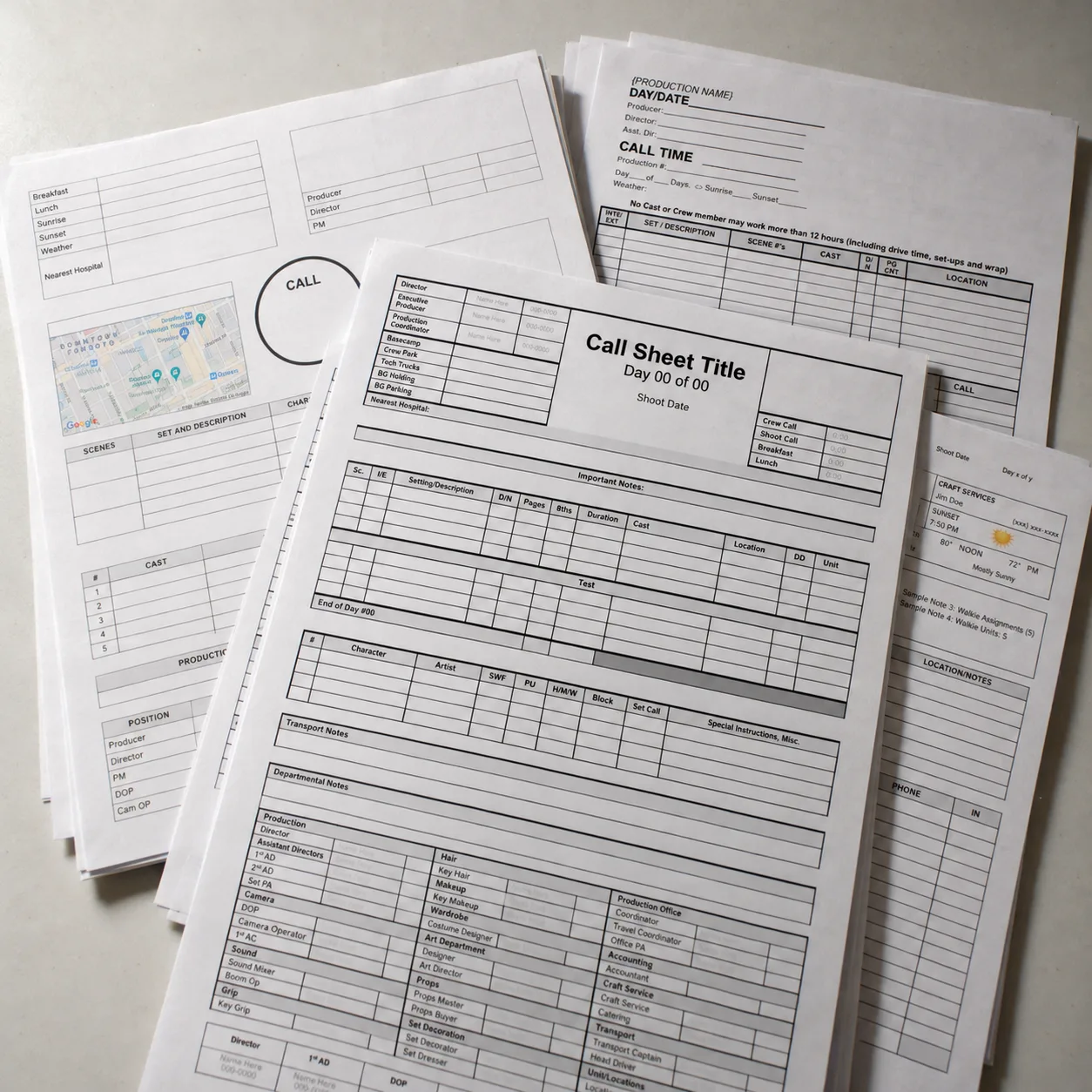


Free production paperwork · Shooting day reports
Free Daily Production Report Template
Keep an accurate record of what happened on set: the scenes you completed, the hours you worked, delays, incidents and other production notes. Download the original HTFS Daily Production Report in Word format.
Download the Free Daily Production Report
Choose the Word format that suits your workflow. Both download buttons use the existing HTFS files. The more recent DOCX version is the better starting point for most current word processors.


What is a Daily Production Report?
A Daily Production Report (DPR) is a record of what actually happened during a film or television shoot day. It captures the day’s progress against the schedule, important production timings and any issues that need attention.
On some productions the 2nd Assistant Director compiles it; on others the 1st AD, a production coordinator or someone in the production office takes responsibility. The information should be checked against the departments’ records before the report is distributed.
Call sheet: before the shoot
The planned calls, scenes, locations and instructions for the coming day. Get the free call sheet →
Daily report: after the shoot
The actual times, scenes and pages completed, delays and incidents. It gives production management a record to compare with the plan.
What should a Daily Production Report include?
Layouts differ between productions. These are the main categories a DPR may need to capture. Keep the report consistent with the information your production actually tracks.
Production details
Project title, shoot day, date, unit, locations and any changes to the plan.
Call, meal and wrap times
Crew call, first shot, meal out and in, camera wrap and final departure as applicable.
Scenes and progress
Scenes or script pages scheduled, completed, partly shot or moved to another day, plus setups.
Cast and crew records
Relevant attendance, cast calls, crew counts, overtime or timekeeping references.
Camera and sound notes
Media or roll totals and any technical issues requiring follow-up. Detailed logs normally remain with the departments.
Delays, incidents and next-day notes
Weather, equipment failures, safety incidents, missed work and what the production needs to resolve.
A DPR complements other paperwork. It is not a substitute for a sound report, camera report, payroll timecard or incident-reporting procedure.
How to complete a DPR
Start with the day’s plan
Enter the production, date and shoot-day number. Compare the planned scene and page targets with the latest shooting schedule and call sheet.
Record what actually happened
Log the real call, meal and wrap times, completed and unfinished scenes, changes, delays and information supplied by department heads.
Check, distribute and file
Reconcile notes with the assistant directors and production office, correct discrepancies, distribute the approved report and retain the original with the production records.
- Scheduled
- Scenes 12, 13 and 14; 3 ⅛ script pages
- Completed
- Scenes 12 and 13; scene 14 partially completed
- Production note
- A failed camera accessory caused a 25-minute delay
- Next action
- Carry the outstanding coverage for scene 14 into the revised schedule
Safety matters: Report accidents and urgent hazards immediately through the production’s procedures. Do not wait until the end-of-day DPR.
Why accurate daily reports matter
For producers, assistant directors and production managers, the DPR is more than paperwork. It makes it easier to compare the planned schedule with the day’s actual progress, identify repeated delays and decide what needs to change before the next call sheet is issued.
On a student film or a small independent shoot, the same habit is useful. A clear, consistent end-of-day record keeps the production team informed and leaves fewer unanswered questions when footage reaches post-production or the project needs to reconcile time and expenses.
Complete reports honestly. A rushed report that makes an unfinished scene look complete is less helpful than one that clearly records what remains to be shot.
Need the rest of the production paperwork?
The Complete Filmmaking Document Kit groups 12 document types, including this DPR, a call sheet, budget, breakdown sheets, contact lists and release forms, into one ZIP. The individual templates remain free, including both DPR downloads above.
Related free production resources
Daily Production Report FAQs
Is the DPR template really free?
Yes. Both Word versions above are free individual downloads. The paid kit simply collects this and other production-document types in one ZIP.
Who fills out a DPR?
The 2nd AD, 1st AD, production coordinator or production office may compile it, depending on how the production is organized. The information should be verified before distribution.
How is it different from a call sheet?
A call sheet communicates what is planned for a shooting day. A DPR records what actually happened and what remains unfinished.
Do we need a DPR for a short film?
It’s useful even for a one-day shoot. A simple, accurate record of hours, completed scenes and issues can help with post-production, accounting and planning.